PreVeil Knowledgebase
Products & Features
PreVeil protects your email, files, and collaboration without changing how your team works. Here’s everything it can do.
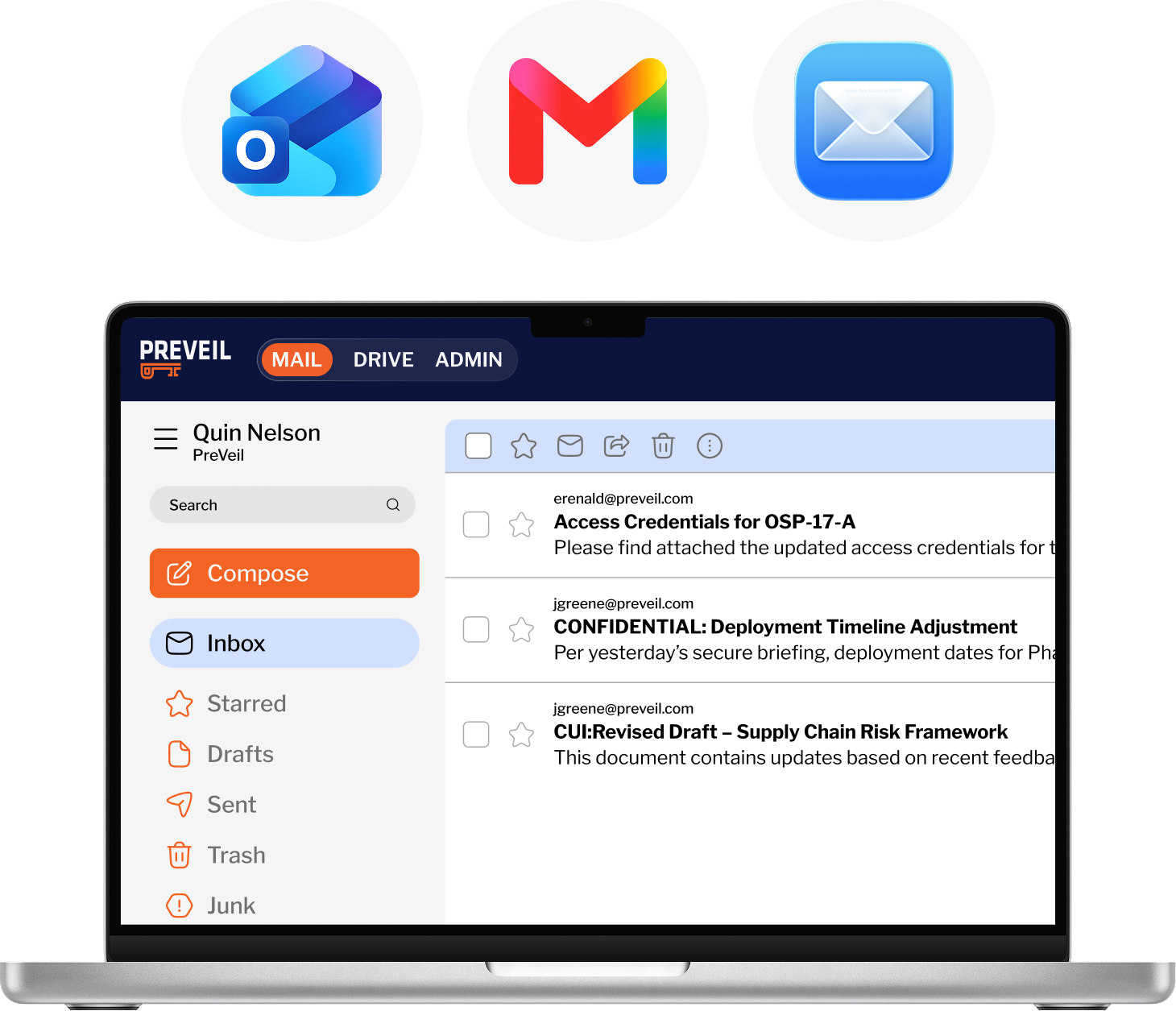
PreVeil Mail
End-to-end encrypted mail that lets you keep your email address and works inside the tools you already use, supporting compliance without disrupting workflows.
Browse Features:
Outlook, Gmail, Apple Mail Integration
Add PreVeil’s encrypted mailbox directly to your existing Outlook, Gmail or Apple client. Send and receive encrypted emails without logging in or changing your address, workflow, or tools.
PreVeil Drive
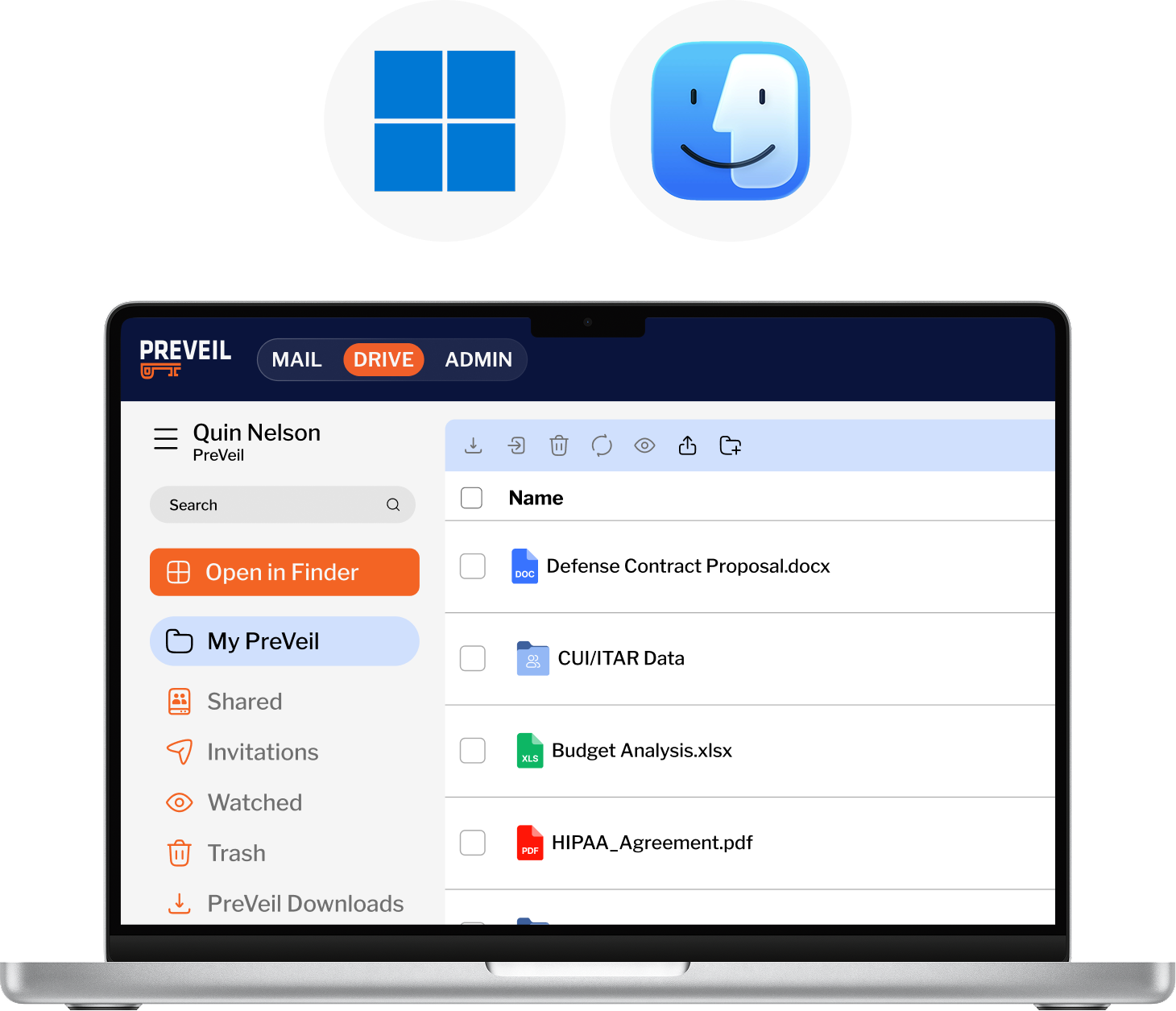
Secure file storage and sharing that works inside the tools you already use, supporting compliance without disrupting workflows.
Browse Features:
Access via Windows Explorer, Mac Finder, or Browser
Access and manage encrypted files directly from the tools you already use — Windows Explorer, Mac Finder, or any browser. No separate login, app or workflow required.
Cloud Lock
Gives admins tighter control over where sensitive data lives, reduces the risk of CUI spillage and helps organizations enforce tighter data boundaries — a direct benefit for compliance-conscious environments.
Access & Permission
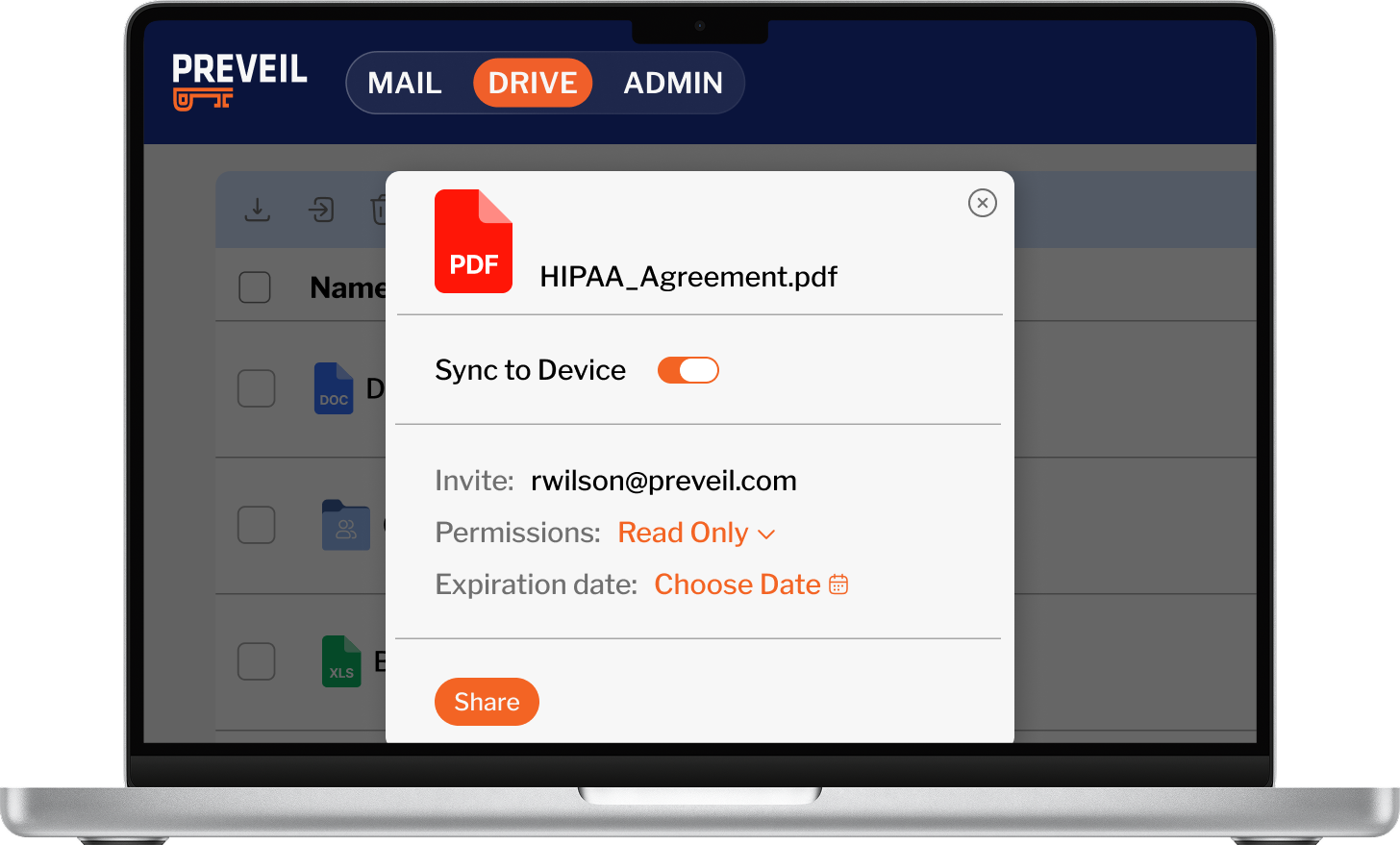
Admins get precise control over who can see, edit, and share every file and folder — with automatic enforcement
Browse Features:
Granular Access Controls
Assign edit, share, read-only, or view-only permissions to any file or folder. Ensure every user has exactly the right level of access — nothing more.
Expiration Dates
Set a date for automatic access removal on any shared file or folder — available for Edit, Read Only, and View Only permissions. Ideal for time-limited projects, vendor engagements, or compliance-driven data retention policies.
Revoke Access
Remove a user’s access to any shared file or folder instantly, at any time — available for Edit, Read Only, and View Only permissions.
Collaboration
Collaborate on encrypted files with internal teams and external partners — without friction, version conflicts, or the need for recipients to buy software.
Browse Features:
Auto File Lock
When any user opens a shared file for editing, it automatically locks so no one else can overwrite. The lock releases when you close the file — no version conflicts.
Admin & IT
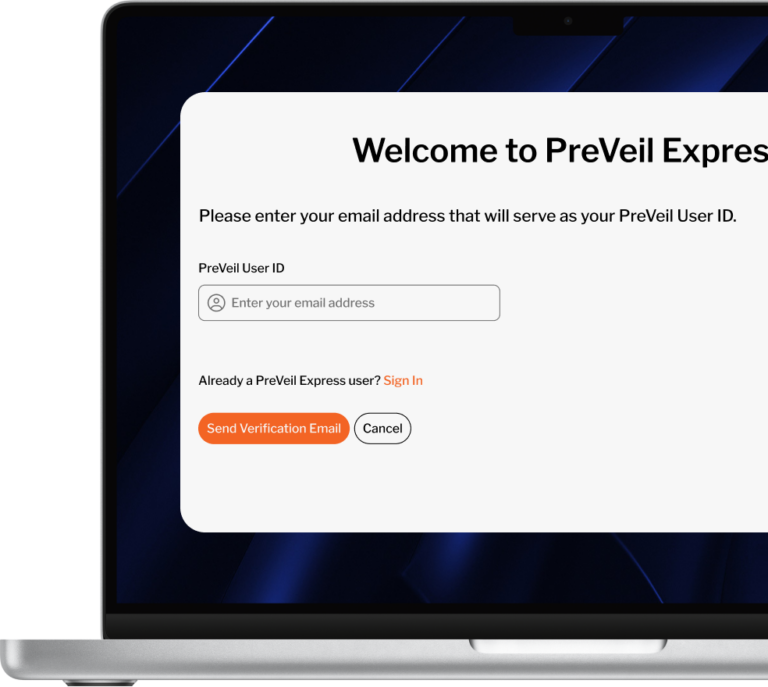
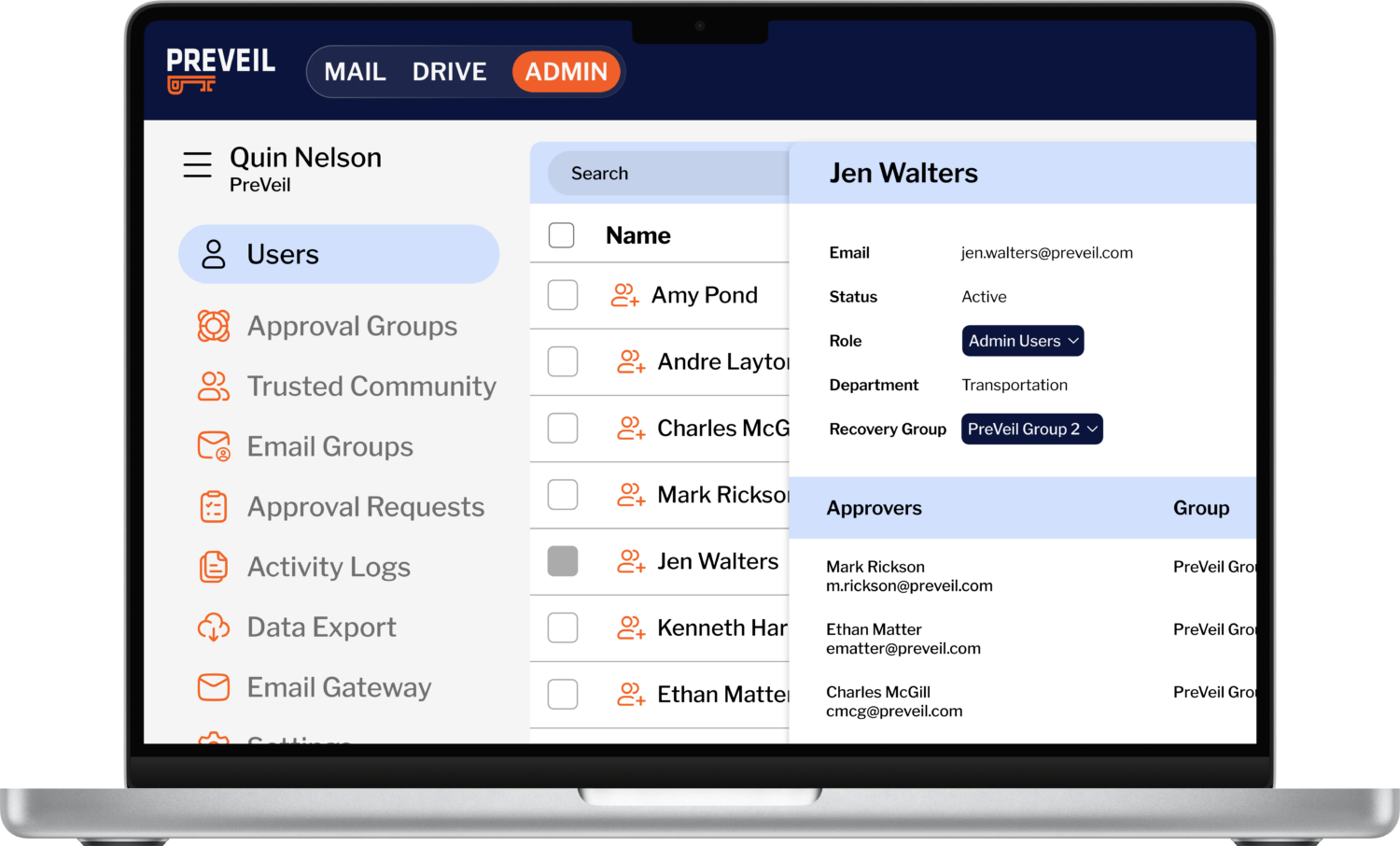
IT teams get full visibility and control over users, devices, and system policy — with tamper-proof logging and SIEM integration for audit readiness.
Browse Features:
User Management
Add, remove, and manage users individually or in bulk. Maintain a clean, accurate roster of who has access to PreVeil across your organization.
Device Management
Control which devices are authorized to access PreVeil. View, add, or lock devices at any time from the admin console.
Organization Policy Rules
Define system-wide defaults for your entire PreVeil deployment — from local sync behavior to Outlook integration settings. Ensures consistent configuration without relying on individual users to set it up correctly.
Compliance
PreVeil does more than protect your data — it helps you prove it. Purpose-built tools cut documentation work and simplify evidence collection across all 110 NIST 800-171 controls.
Browse Features:
Compliance Accelerator
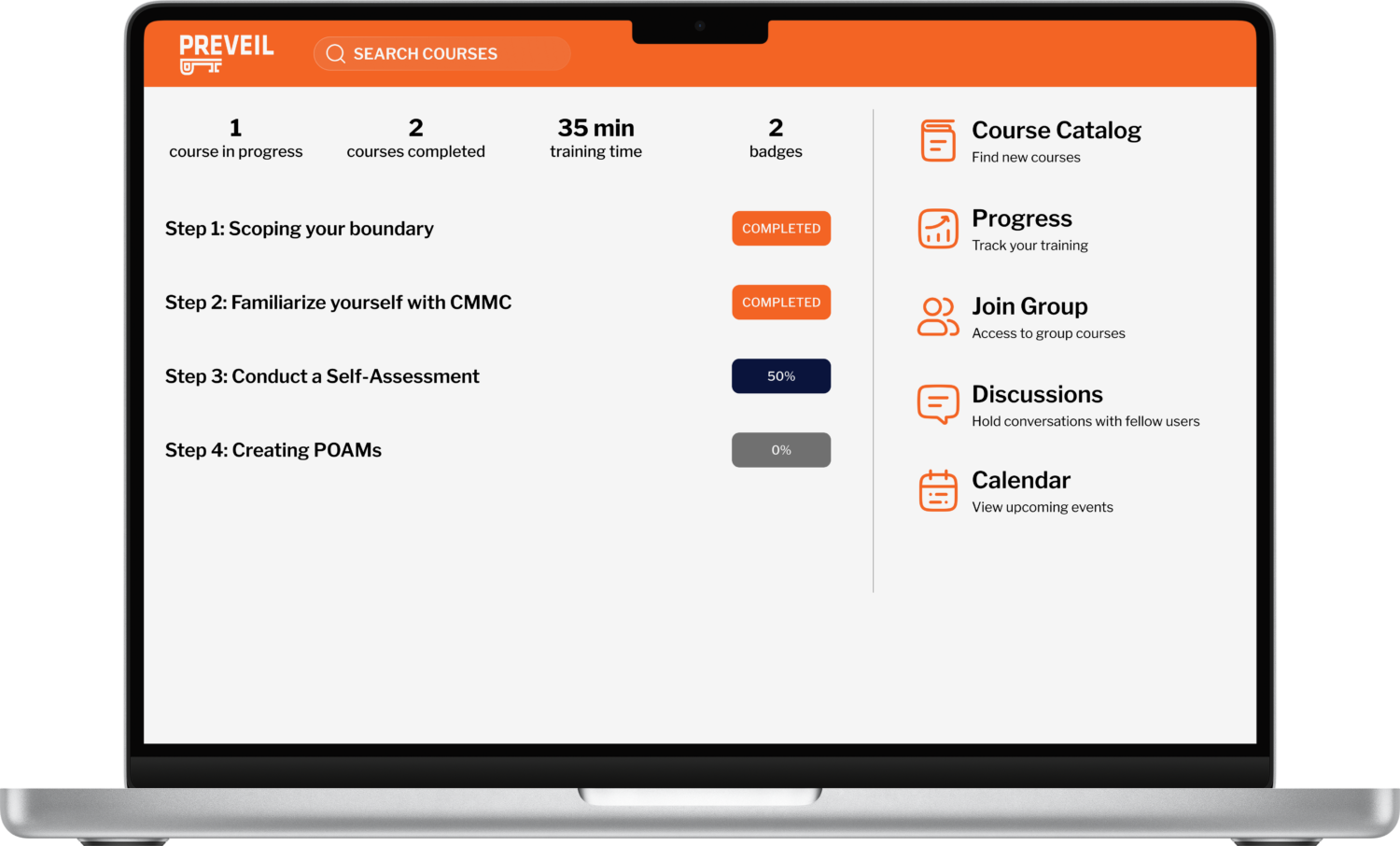
Pre-filled, assessment-ready documentation — SSP, SOP, and more — that maps directly to CMMC and NIST 800-171 controls, cutting documentation work by up to 60%. C3PAO-validated training & step-by-step guides walk you through exactly how to meet all 110 controls, saving your team time & money.
Mobile
Work from anywhere, while ensuring you stay compliant and at no extra cost.
Browse Features:
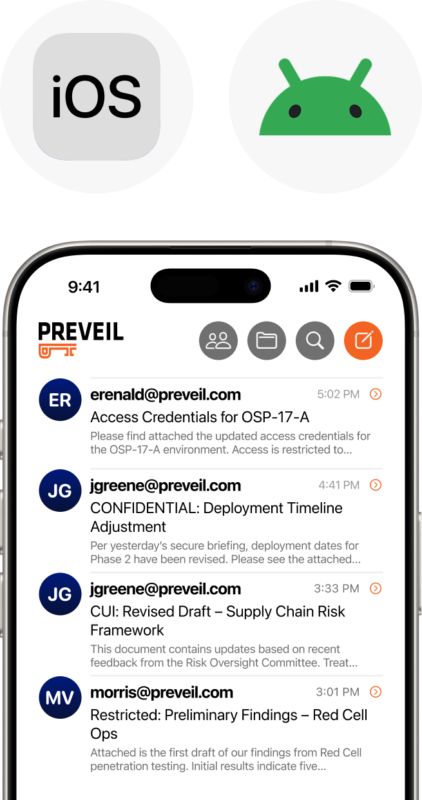
iOS & Android App
Access encrypted email and files from any iPhone, iPad, or Android device. Included at no additional cost, with the same end-to-end encryption as the desktop apps. Compare that to Microsoft GCC High, which charges an extra $25 per device.

PROUDLY MADE IN THE USA
PreVeil is 100% Designed & Developed in the USA