In today’s digital world, sensitive information rarely stays confined to a few lines of text. From financial records and legal contracts to controlled technical information, file attachments are a critical part of most business emails. But while many organizations encrypt the text of an email message, attachment security is often overlooked, leaving a dangerous gap in data protection.
An encrypted attachment ensures that the file itself, not just the email body, is protected from unauthorized access. In this guide, we’ll explain what encrypted attachments are, why they matter, how to encrypt attachments in Gmail and Outlook, and how solutions like PreVeil support compliance requirements, especially CMMC.
What Is an Encrypted Attachment?
An encrypted attachment is a file that has been protected using cryptographic algorithms so that only authorized recipients can open it. Without encryption, email attachments may be readable by email providers, cloud services, administrators, or attackers if an account or server is compromised.
It’s especially important for organizations handling Controlled Unclassified Information (CUI) or other regulated data to protect attachments with end-to-end encryption, meaning files are encrypted on the sender’s device and decrypted only by the intended recipient.
Why Encrypting Attachments Matters
Most email providers encrypt data with transport-level security (TLS), which only protects data while it is being transmitted between servers. Once the message arrives, attachments may be stored unencrypted.
Encrypting attachments helps organizations:
- Removes the risk of information leaking when a data breach occurs
- Protect sensitive and regulated information
- Meet compliance requirements such as CMMC, NIST 800-171, HIPAA, and FERPA
- Prevent unauthorized access by third parties or cloud providers
How to Encrypt an Email Attachment in Gmail
Gmail encrypts emails in transit using TLS, but it does not natively support true end-to-end encrypted attachments for most users.
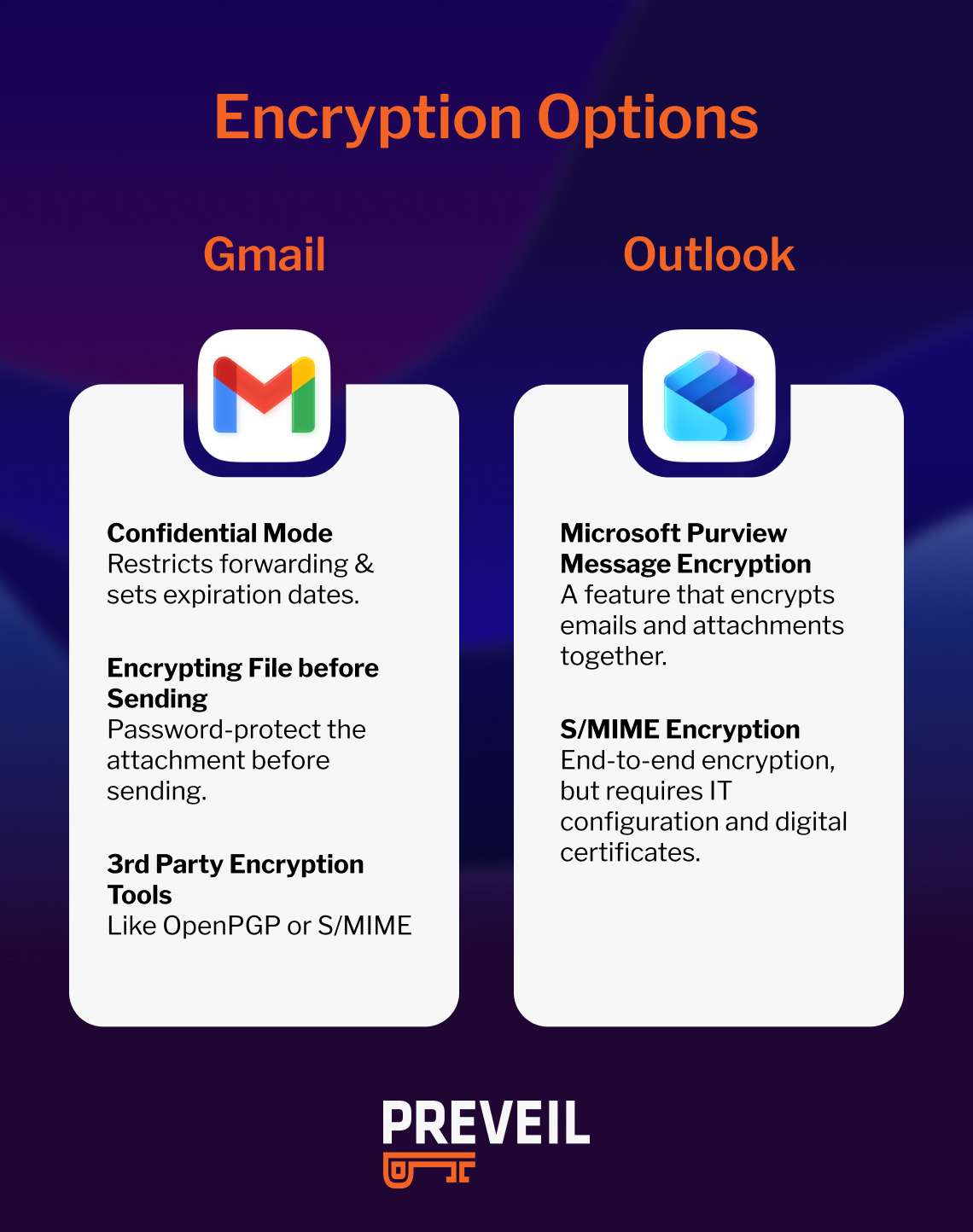
Gmail Encryption Options
- Confidential Mode: Confidential Mode allows senders to restrict forwarding and set expiration dates, but it does not provide end-to-end encryption. Attachments can still be accessed in plaintext by recipients.
- Encrypting the File Before Sending: Users may password-protect files (such as ZIP files or encrypted PDFs) before attaching them. While this does encrypt the attachment, it introduces operational challenges, including password sharing and inconsistent security practices.
- Third-Party Encryption Tools: Some organizations use OpenPGP or S/MIME plugins with Gmail, but these tools require key management and technical setup that can be difficult to manage, enforce, and scale.
How to Encrypt an Attachment in Outlook
Microsoft Outlook offers more built-in encryption options, but it still presents tradeoffs.
Outlook Encryption Methods
- Microsoft Purview Message Encryption: This feature encrypts emails and attachments together. External recipients may need to authenticate or access files through a secure portal.
- S/MIME Encryption: S/MIME provides true end-to-end encryption for emails and attachments but requires digital certificates and IT configuration on both the sender and recipient side.
These are the options for encrypting attachments in Gmail and Outlook.
While effective, these approaches can add complexity and friction, particularly when working with external partners.
Attachment Encryption and Compliance Requirements
It’s important to note that in the case of GMail and Outlook, commercial cloud isn’t and can’t be compliant. You’ll need a CMMC compliant vendors that integrates with one of these tools in order to meet standards like the ones below.
CMMC and Encrypted Attachments
Under the Cybersecurity Maturity Model Certification (CMMC), organizations handling CUI must ensure confidentiality and access control. Encrypting email attachments is a critical component of meeting requirements aligned with NIST SP 800-171, particularly controls related to protecting data in transit and limiting unauthorized access.
Importantly, encrypted CUI is still considered CUI. That means the systems used to encrypt, store, and transmit attachments must themselves meet applicable compliance requirements, such as FedRAMP for cloud services.
Other Regulations
Encrypted attachments also play a role in compliance with:
- HIPAA, which requires safeguards to protect ePHI
- FERPA, which protects student education records
- GDPR, which mandates appropriate technical controls
- PCI DSS, which governs payment card data
How PreVeil Makes Encrypting Attachments Easy
PreVeil removes the complexity typically associated with encrypted attachments by providing automatic end-to-end encryption for email and files. If the sender and recipient both have a PreVeil account, communications between users are always secure and compliant.
Key Benefits of PreVeil’s End-to-End Encryption
PreVeil’s encryption makes it so that no one can see your data, not even PreVeil. If you are hacked, it is useless because the decryption keys only work on the intended recipient’s device. And when you send an email with PreVeil, only another PreVeil user can open it. Other benefits include:
Automatic Encryption: Attachments are encrypted on the sender’s device before being sent and remain encrypted until decrypted by the recipient.
Works with Gmail and Outlook: PreVeil integrates alongside existing email workflows, allowing users to send encrypted attachments without changing how they work. Learn more about PreVeil Email.
Zero-Access Architecture: PreVeil never has access to decrypted attachments, reducing third-party risk and supporting compliance requirements that limit vendor access to sensitive data.
Compliance-Ready: PreVeil helps organizations meet encryption requirements for CMMC, NIST 800-171, HIPAA, FERPA, and other regulatory frameworks. PreVeil is so secure It even works for the ITAR encryption carveout.
For secure file sharing beyond email, PreVeil Drive provides the same end-to-end encryption protections.
Frequently Asked Questions About Encrypted Attachments
What does it mean to encrypt an attachment?
Encrypting an attachment means converting the file into a protected format that can only be decrypted and then read by authorized recipients using cryptographic keys.
Are email attachments encrypted by default?
Most email providers encrypt attachments in transit using TLS, but they are often stored unencrypted on servers. This is not the same as end-to-end encryption.
Is encrypting attachments required for CMMC compliance?
While CMMC does not mandate a specific encryption method, it requires organizations to protect CUI from unauthorized access. Encrypting attachments is a common and effective way to meet these requirements.
Does encrypting an attachment remove it from compliance scope?
No. Encrypted CUI is still considered CUI. Systems that store or transmit encrypted attachments must still meet applicable compliance requirements.
Can external recipients open encrypted attachments?
Yes, depending on the solution. Some systems require portals or passwords, while end-to-end encrypted platforms like PreVeil allow recipients to access attachments securely with minimal friction.
What is the best way to encrypt attachments for email?
The most effective approach is automatic end-to-end encryption that protects attachments on the sender’s device and does not rely on passwords or portals.
How is PreVeil different from Gmail or Outlook encryption?
PreVeil encrypts attachments before they leave the user’s device and never stores them decrypted, providing stronger security and simpler compliance than server-side encryption.If you are a defense contractor, or any business handling sensitive information and attachments, then implementing an end-to-end encryption tool like PreVeil is an investment you should make sooner rather than later. Learn more about how PreVeil can help your business.